
By Raph Sebbag, co-founder of Digital Autopilot. Updated 27 October 2026.
Between September and October 2026, Google switched on four Google Ads features by default: AI Max for Search, automated promotions, AI-written review summaries in Search ads, and sourced videos in Performance Max.
Three of these features have settings you can switch off. The fourth, review summaries, currently has no published opt-out.
Here’s what changed, how to check your account and what we’d recommend. If you’re preparing for Black Friday on 27 November, aim to make any major changes by 13 November.
The four changes at a glance
| Change | When | Affects you if | Can you turn it off? |
|---|---|---|---|
| AI Max for Search | Through September | Your Search campaigns used automatically created assets or campaign-level broad match | Yes, in each campaign’s settings |
| Automated promotions | From 12 October | Your Search or Performance Max campaigns have location assets and no promotion of your own | Yes, at account level |
| Review summaries | Help page published 24 October | You run eligible English-language Search ads, including in Australia | No published off switch |
| Sourced videos | Made opt-out in late October | You run Performance Max | Yes, in each campaign |
1. AI Max: your Search ads can now show on searches you didn’t choose
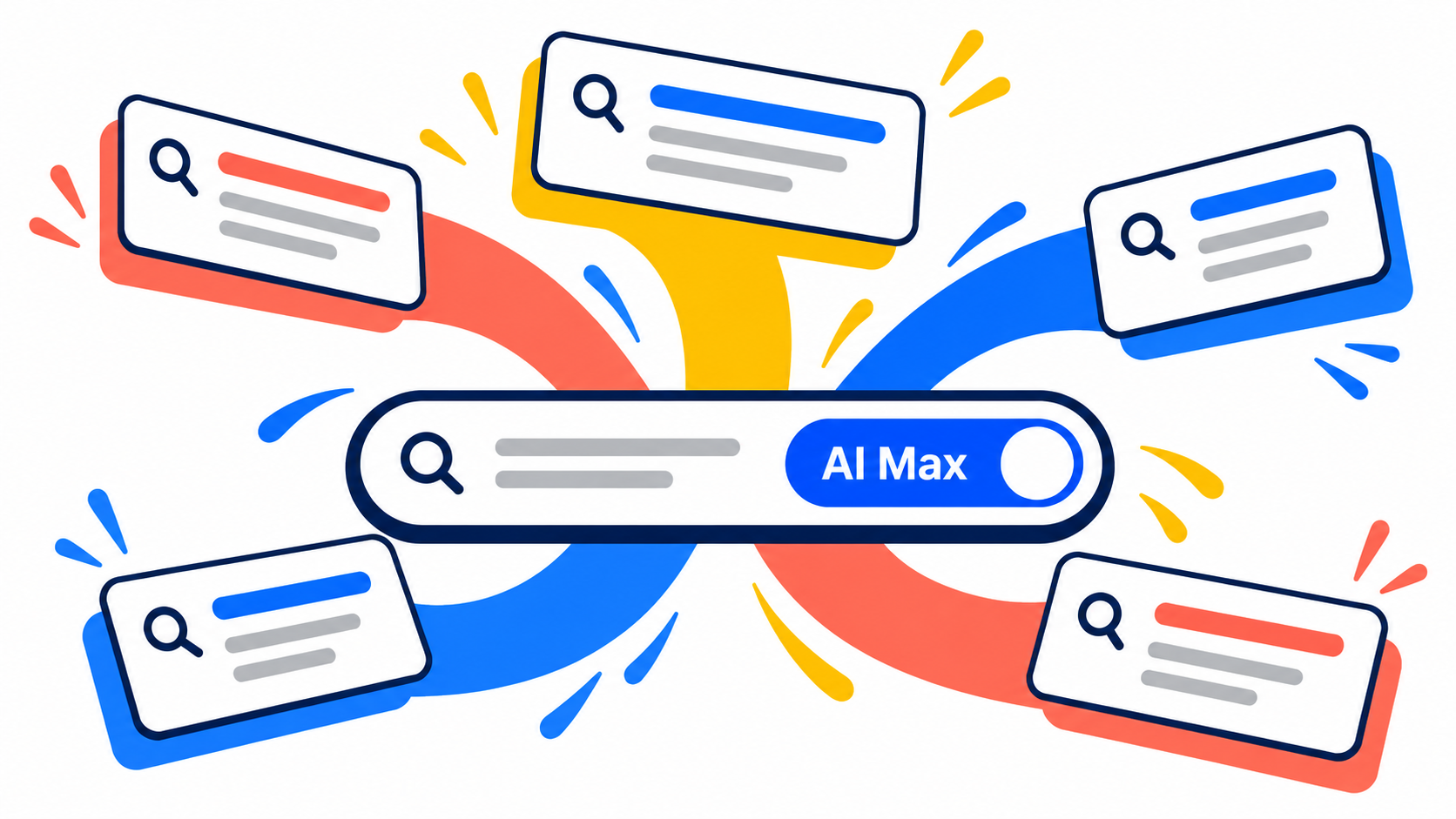
AI Max is a set of features within a normal Google Search campaign. It gives Google more freedom to decide which searches your ads appear for and, depending on your settings, what the ads say.
Through September 2026, Google automatically upgraded two groups of existing Search campaigns (Google):
- Campaigns using automatically created assets received search term matching and text customisation.
- Campaigns using campaign-level broad match received search term matching.
Search term matching lets Google show your ads for searches beyond your chosen keywords, using information from your website and existing ads. Text customisation lets Google generate headlines and descriptions to suit individual searches.
Google says it configured the upgraded campaigns to reflect their previous settings. Even so, I’d want to see which searches those campaigns are now appearing for.
Take a plumber targeting “emergency plumber Richmond”. AI Max might find relevant searches the original keyword list missed. But it could also bring in people looking for plumbing apprenticeships or DIY advice. On a $50 daily budget, a few irrelevant clicks can make a difference.
How to check AI Max in your account
In Google Ads, go to Campaigns → Settings, add a filter for AI Max and select On.
Then open the search terms report for those campaigns and set the date range from 1 September onwards. Look for searches you wouldn’t normally have targeted and check how much you’ve spent on them.
Why AI Max matters for AI-powered Search
People are asking Google longer, more conversational questions. Google says eligible Search campaigns using broad match, including AI Max, can show ads in AI Overviews and AI Mode. That makes AI Max worth understanding, but it doesn’t guarantee your ad will appear in either place (Google).
Brand inclusions and exclusions: what should you use?
Brand inclusions limit a Search campaign or ad group to searches associated with the brands you choose. You might use one in a campaign focused on your own business name.
But I wouldn’t add your brand as an inclusion to a general services campaign if you also want to reach people who haven’t searched for your name. Those searches could be excluded.
Brand exclusions stop a campaign from showing for searches associated with the brands you exclude. If you have a separate campaign for searches for your business name, you might exclude your brand from your general campaign. Before you do, check that your brand campaign can cover those searches.
You can also exclude competitor brands if you don’t want to advertise on searches for those businesses.
To set these up, create a list under Tools → Shared library → Brand lists. Then open Campaign settings → AI Max → Brands and add it as an inclusion or exclusion.
Exclusions apply to the whole campaign. Inclusions can apply to a campaign or an ad group; an ad group’s inclusion overrides the campaign inclusion for that ad group. If the same brand is both included and excluded, the exclusion takes priority.
These settings can limit your reach, so I’d only use them where there’s a clear reason to do so. Check your search terms and results after making a change.
Set your boundaries before testing
Negative keywords: AI Max respects your negative keywords. Check the search terms report weekly at first and exclude clear mismatches, such as searches for plumbing apprenticeships or DIY advice.
Landing pages: If final URL expansion is on, Google can choose a relevant page from your website. Exclude pages you don’t want to send paid traffic to, such as careers pages or expired offers.
Ad text: Review Google’s generated headlines and descriptions for claims you wouldn’t approve. Text guidelines can help limit unwanted wording. And if you rely on a pinned headline or disclaimer, take care: Google says pinned assets aren’t respected when final URL expansion or URL inclusions are enabled. If pinning is essential, turn off both settings.
Conversion tracking: Make sure Google Ads is counting the actions that matter, such as genuine enquiries or purchases. Where possible, send qualified lead or sale data back to Google Ads. Google recommends conversion-based Smart Bidding with AI Max, but it needs useful data to work towards the right outcomes.
How do you measure whether AI Max is working?
Start with the search terms report. Filter the match type to AI Max, then look at the searches, spend and conversions. You can also see the headline and landing page used for a search.
That’s useful for finding wasted spend and new searches worth keeping. Just know that the AI Max filter doesn’t include “Other search terms”, so it won’t show you all AI Max activity.
To judge the overall impact, I’d run an experiment against your existing setup. If Google offers a one-click experiment, it creates a 50/50 split between the original campaign and an AI Max version. Otherwise, set up an AI Max experiment using the available controls. Keep other settings and changes as similar as practical.
Compare the number of conversions and cost per conversion, then check lead quality. More enquiries won’t help much if fewer become customers. For ecommerce, compare sales value and return on ad spend too. I’d also check whether a shift in branded traffic is affecting the results.
Google recommends running experiments for at least four to six weeks, or longer if customers take more time to convert. A low-volume campaign may still produce an inconclusive result. If you have a major promotion coming up, allow enough time to test before it starts.
Should you leave AI Max on?
I’d keep it on if it’s bringing in relevant searches and more valuable leads or sales at an acceptable cost. If results are weak, check your tracking, exclusions, landing pages and generated text before deciding whether to switch it off.
To turn AI Max off: go to Campaigns → Settings, select the campaign, open AI Max and switch it off. Check your settings first: brand exclusions and URL exclusions configured within AI Max may stop applying when it’s off. Google says those settings are re-enabled if you turn AI Max back on.
2. Automated promotions: Google can now advertise offers it finds on your website
Since 12 October, Google has been rolling out automated promotions that pull offers from advertisers’ websites and add them to Search and Performance Max ads.
The feature applies to eligible campaigns with location assets that don’t already have advertiser-created promotions. Google can identify offers such as coupons and discounts without you creating the promotion yourself (Search Engine Roundtable).
Google says automated promotions run for less than 24 hours at a time and can appear again while it continues to detect the offer on your website. It also acknowledges that it cannot yet extract promotion start and end dates.
Perhaps you’ve got an old sale landing page that’s still accessible. Or a “first visit free” promotion with conditions that aren’t obvious. Maybe you operate several locations, but an offer is only available at one of them.
These are offers you’d want to check before Google starts advertising them.
How to find promotions Google has added
Go to Campaigns → Assets, filter by Asset type → Promotion, and look at the Added by column.
If you see Google AI, Google created that promotion.
Check whether the offer is valid and correctly represented. I’d also review old promotional pages, banners and pop-ups on your website.
Would we leave automated promotions enabled?
For most service businesses, I’d lean towards switching this off. I generally want control over what we’re promising customers, particularly when there are conditions attached.
For an ecommerce business with consistently updated promotions, it may be more useful. But I’d still want someone checking the assets.
If you keep it enabled, remove expired offers from your website promptly. For planned sales, create your own promotion assets with the correct dates. Google says campaigns with advertiser-created promotions are excluded from automated promotions.
To switch automated promotions off: in Assets, open the three-dot menu and choose Account level automated assets. Open the three-dot menu again, choose Advanced settings and set Automated promotions to Off.
That setting applies to the whole account. To exclude a particular campaign without disabling the feature elsewhere, add your own promotion to that campaign.
For Black Friday, I’d create the promotions myself. Our Black Friday Google Ads playbook covers the rest of your campaign preparation.
3. Review summaries: Google can now write about your business in your Search ads
Google has displayed star ratings alongside Search ads for years. Its new AI-generated review summaries go further, using reviews from across the web to produce a short written description of your business.
Google published a help page for the feature on 24 October. It covers English-language Search ads in Australia, the US, the UK and India.
According to Google, the summaries are positive-only and appear when its systems predict they’ll improve ad performance.
You can’t edit them, and Google hasn’t published an option to disable them.
For most businesses, that leaves little to do beyond reviewing the information Google is drawing from and contacting support if something inaccurate appears.
For regulated health practitioners, however, the implications could be more serious.
A potential problem for dentists, podiatrists and other health practitioners
Digital Autopilot works with dentists, podiatrists and optometrists, so this change caught my attention.
Ahpra’s advertising rules prohibit testimonials about clinical aspects of regulated health services. That includes positive claims about treatment or outcomes, rather than general comments about customer service or communication (Ahpra).
Imagine Google generating a review summary that says:
“Patients say their pain disappeared after two visits.”
That’s the kind of clinical claim Ahpra’s rules are concerned with. If it appears as part of a practitioner’s Google ad, it raises a compliance question.
Google says some sensitive categories, including pharmaceuticals, are excluded. But its documentation doesn’t establish whether Australian dental, podiatry and optometry practices are excluded, or how this feature interacts with Ahpra’s requirements.
If you’re advertising a regulated health service, I’d raise the issue with Google Ads support and seek appropriate professional or regulatory advice rather than assume it’s fine because Google generated the text.
4. Sourced videos: Performance Max can use videos you didn’t add to the campaign
Google has introduced a Performance Max feature called sourced videos, which lets it find videos from approved sources and use them in your campaigns.
In late October, Google’s documentation was updated to say sourced videos is enabled by default for new Performance Max campaigns and may have been activated automatically for some existing campaigns (PPC News Feed).
Google can add up to 10 sourced videos per asset group, drawing from approved sources such as your social media accounts, landing pages and linked YouTube channel.
The videos are uploaded to a Google-owned YouTube channel branded with your business name and logo, and Google can change which videos it uses over time.
You might have an old promotion with prices that have changed, a video featuring a staff member who’s left, or something you posted years ago that no longer represents the business particularly well.
I’d want to know whether Google was using any of those in paid advertising.
Check your Performance Max video sources
Go to Campaigns and select the gear icon beside your Performance Max campaign.
Under Asset group, open Asset optimisation and look for Sourced videos.
If it’s enabled, select Manage sources to see which accounts or pages Google can use. You can also check the campaign’s Assets report for videos Google has already added.
I’d leave sourced videos on only if you’re comfortable with the material available from the approved sources. If your social accounts contain years of old content, review those sources carefully or switch the feature off.
To disable sourced videos: untick Sourced videos, select Apply and save your changes.
If you keep it enabled, check the Assets report regularly.
Get these checks done before Black Friday
If you’re running a Black Friday campaign, I’d check these changes now rather than in sale week.
Our general rule at Digital Autopilot is to avoid major structural campaign changes in the two weeks before an important promotion. For Black Friday on 27 November, that gives you a deadline of around 13 November.
AI Max is the one I’d prioritise because changing how a campaign matches searches can affect the traffic it receives.
Google says the Learning status generally disappears within seven days, although performance can take one or two conversion cycles to settle.
We’ve seen it take longer. In one client account, conversions dropped for around two weeks after we added negative keywords and made several other adjustments to a new Performance Max campaign. They picked up again after two to three weeks. I explain what happened in this video.
I’d rather make major changes early enough to see their effect than risk that kind of disruption during a sale.
Budget increases are different. Google says budget changes take effect in the next auction and don’t trigger the formal Learning status, although results can still fluctuate.
If Black Friday isn’t relevant to your business, apply the same thinking before your next major promotion or busy period.
Keep an eye on what Google changes
Once a month, I’d check three things:
- Search terms: what you’ve paid for and whether irrelevant searches need excluding.
- Assets: whether Google has added promotions, videos or other material you haven’t approved.
- Notifications: particularly anything mentioning automatic changes.
If an agency manages your account, ask which of these four changes are active and what they’ve decided to do about them.
If you’d rather have someone handle the ongoing monitoring, that’s part of our Google Ads management service.
Not sure what’s changed in your account?
Our free Google Ads audit can help you find out.
We’ll review your campaigns, check which of these changes apply and explain what we’d keep or switch off. Either I or one of the team will record a personalised five-to-ten-minute video walking you through what we find.
We’ve audited more than 100 Google Ads accounts. There’s no charge or obligation to proceed.
Request your free Google Ads audit
Frequently asked questions
Is AI Max the same as Performance Max?
No. AI Max is a collection of features within a Search campaign. Performance Max is a separate campaign type that runs advertising across Google’s channels, including YouTube, Gmail and Maps.
Are Dynamic Search Ads being switched to AI Max too?
Yes. Google delayed the automatic upgrade of Dynamic Search Ads until February 2027 after advertisers asked for more time (Google).
You can migrate earlier if you want to choose the configuration yourself.
Is this the same as auto-applied recommendations?
No. Auto-applied recommendations are a separate feature that advertisers can enable to let Google regularly implement certain recommended changes.
The four developments covered here aren’t dependent on you having enabled auto-applied recommendations.
About the author
Raph Sebbag is co-founder of Digital Autopilot, a Melbourne Google Ads and SEO agency and Premier Google Partner that has worked with Australian businesses since 2014. He has more than 20 years of hands-on SEO and PPC experience, manages client Google Ads accounts and produces many of the agency’s free video audits himself.